Adding Administrators
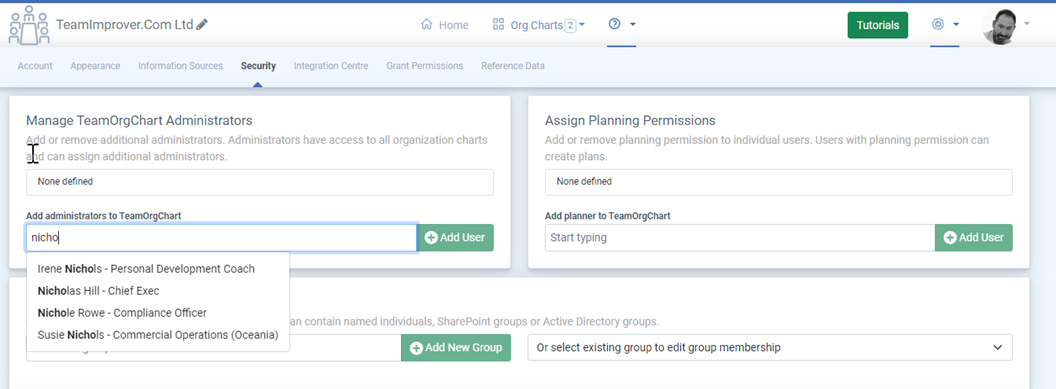
Adding additional admins to TeamOrgChart
In TeamOrgChart, there are four user types: Chart Administrator, Planner, User Administrator and Read-Only User.
- Chart Admin - Can edit and create organization charts.
- Planner - Can create and manage plans from charts they have access.
- User Admin - Can assign and remove Chart Admins
- Read-Only User - Can view the chart and plans, but cannot make any changes.
To assign additional administrators in your organization, visit the security page: https://teamorgchart.com/toc/admin/security
User roles can also be assigned directly in Microsoft Entra within the Enterprise > TeamOrgChart > Manage > Users and groups section of the Azure Portal.
Please note: TeamOrgChart administrators do not have any additional privileges or rights within Entra ID or Microsoft 365. This role is strictly for use within TeamOrgChart.
We recommend defining at least two administrators to ensure continuous access to chart management in case one administrator is unavailable.
Recommended Steps
Learn More
Manage user access and admin roles(c) TeamImprover.Com